
Group your terminals into named workspaces, split them into as many resizable panels as you need, and get a desktop notification the moment your AI CLI finishes a long-running task.


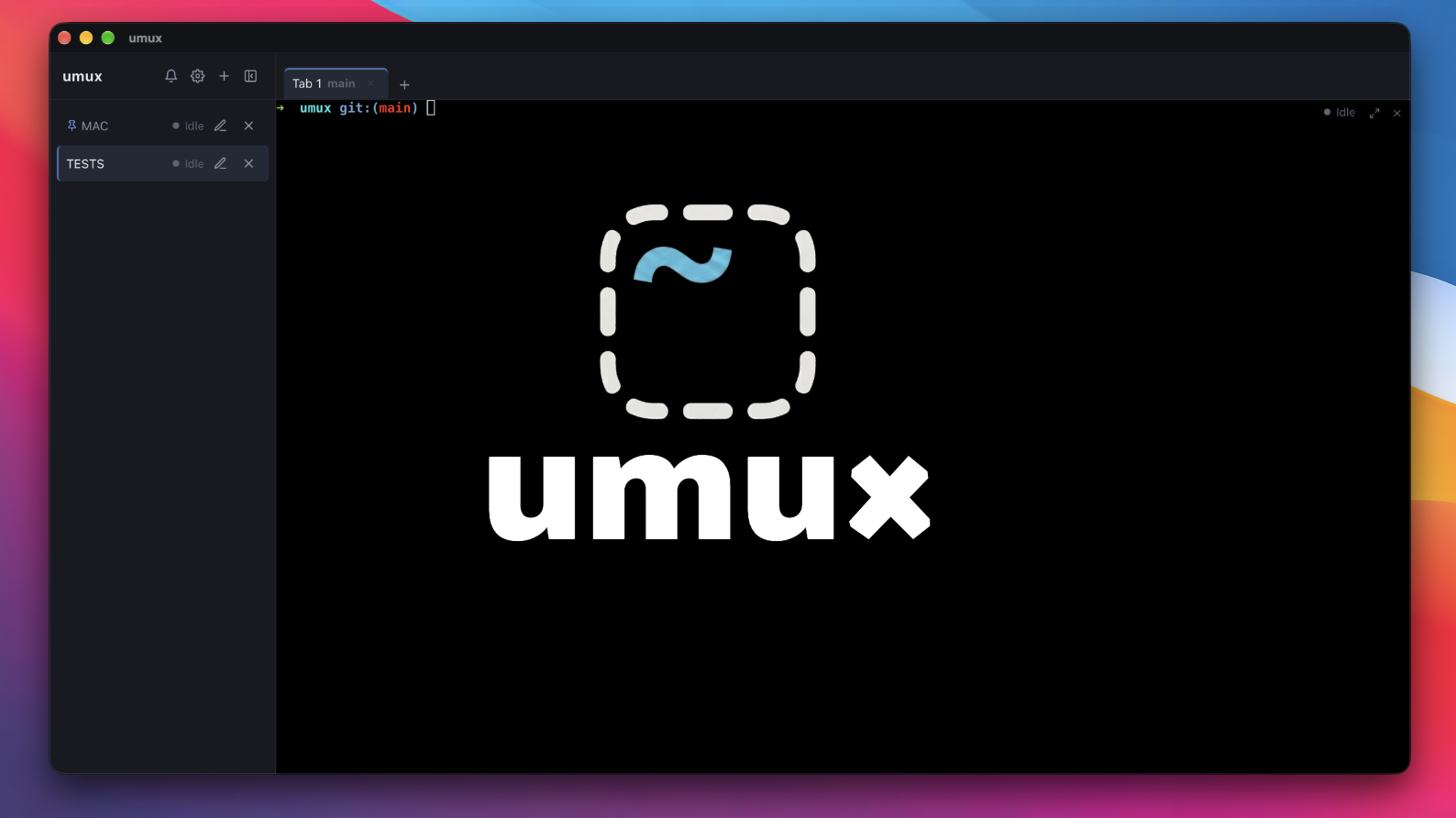
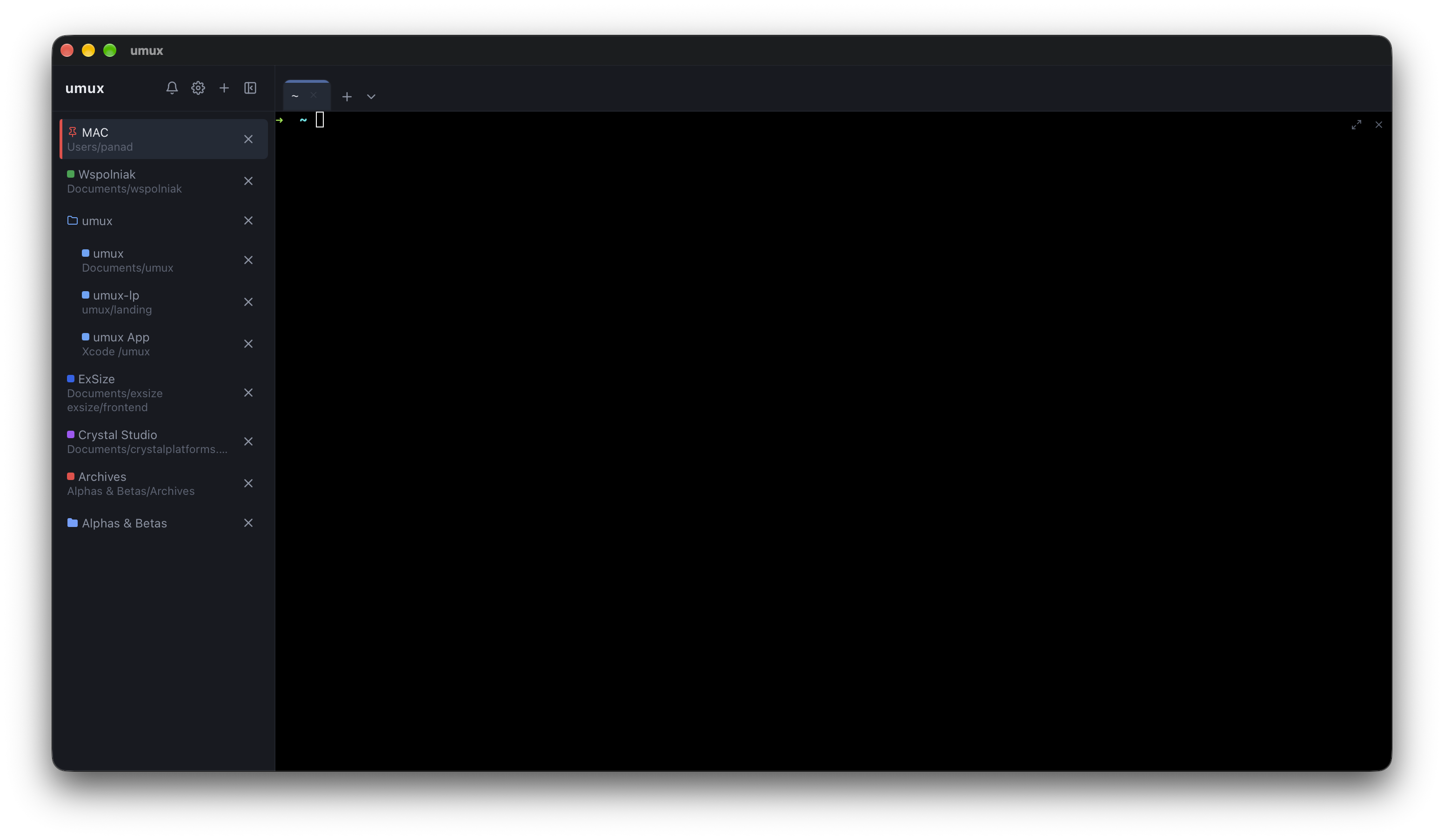
One workspace per project, organized into groups, with tabs inside — and any tab splits into as many resizable panels as you need, a minimum size keeping nothing from collapsing. Pin a workspace to keep it on top, zoom any panel to fill its tab, and the sidebar shows each tab's working folder live — open ports on hover.
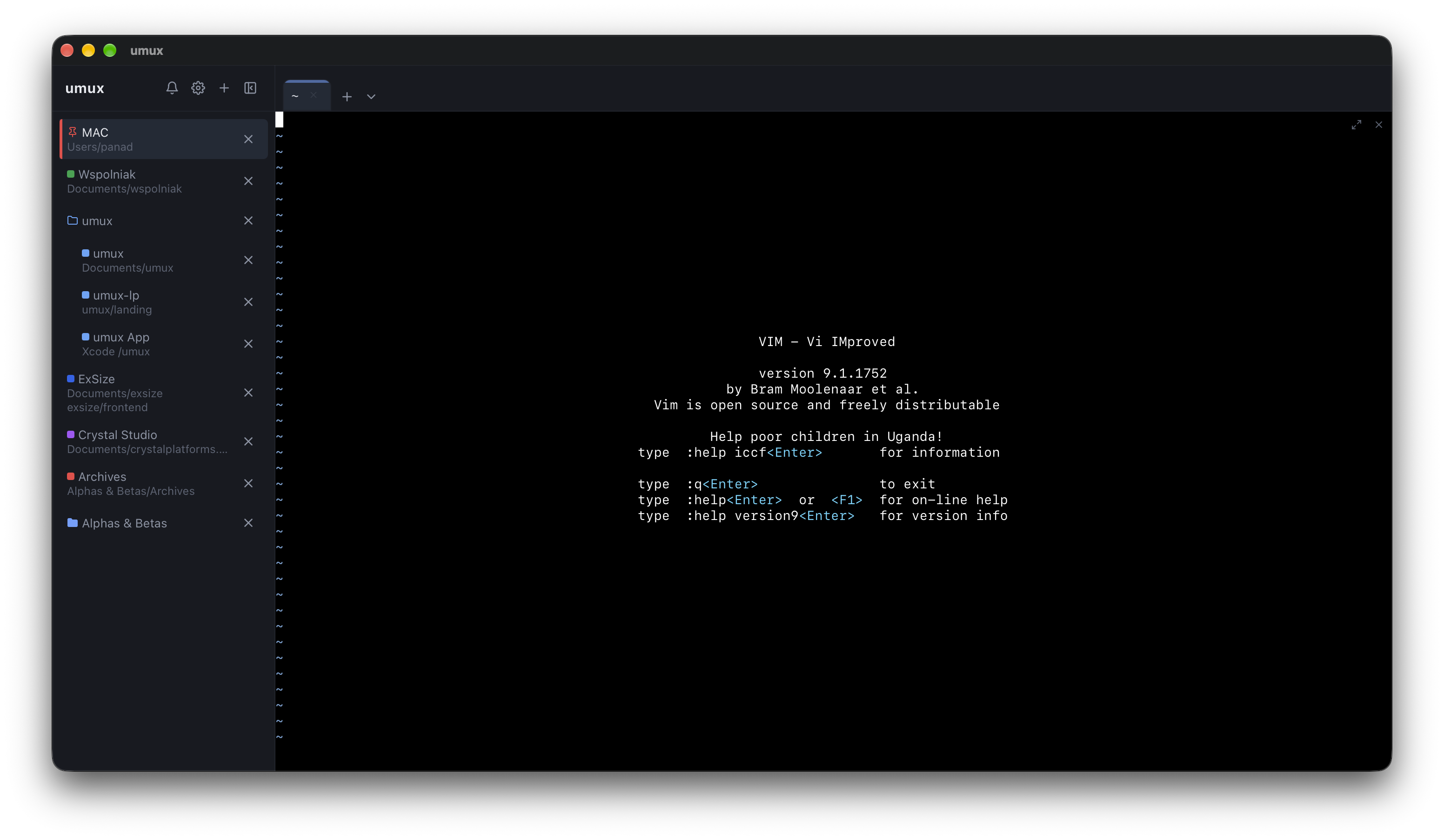
A real terminal surface — colors, cursor movement, alternate screen — so vim, htop and fzf render exactly right. Every panel opens your own shell ($SHELL; PowerShell on Windows).
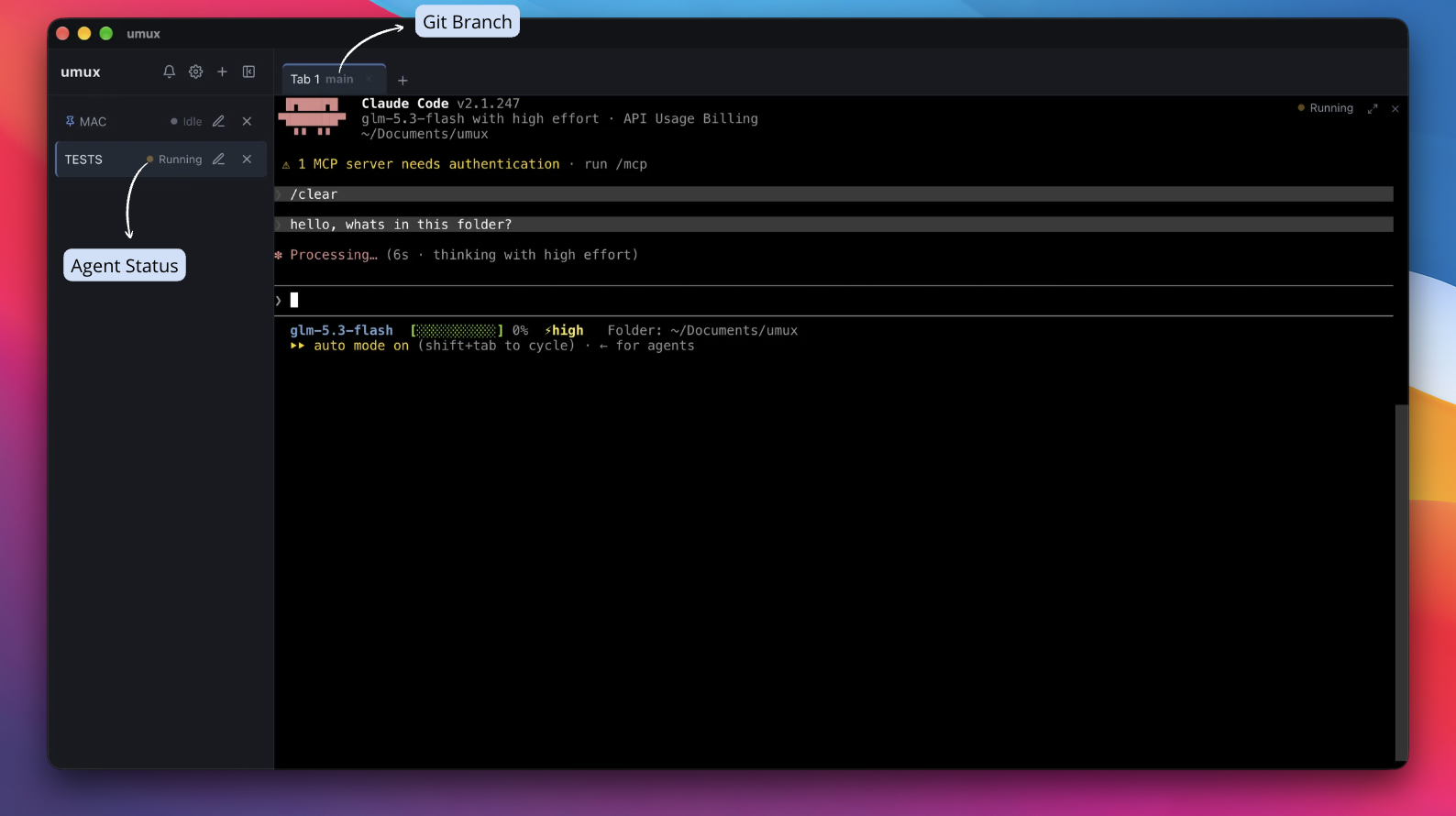
umux reads the standard OSC signals emitted by AI CLIs (Claude Code, Codex, Gemini CLI, Aider…) and pings you when a task finishes — or when it's waiting for your input. Each panel shows a live status — working, needs-attention, idle — and the notification drops you onto the exact panel that raised it. Detection is from escape sequences and process names, never from your terminal content.
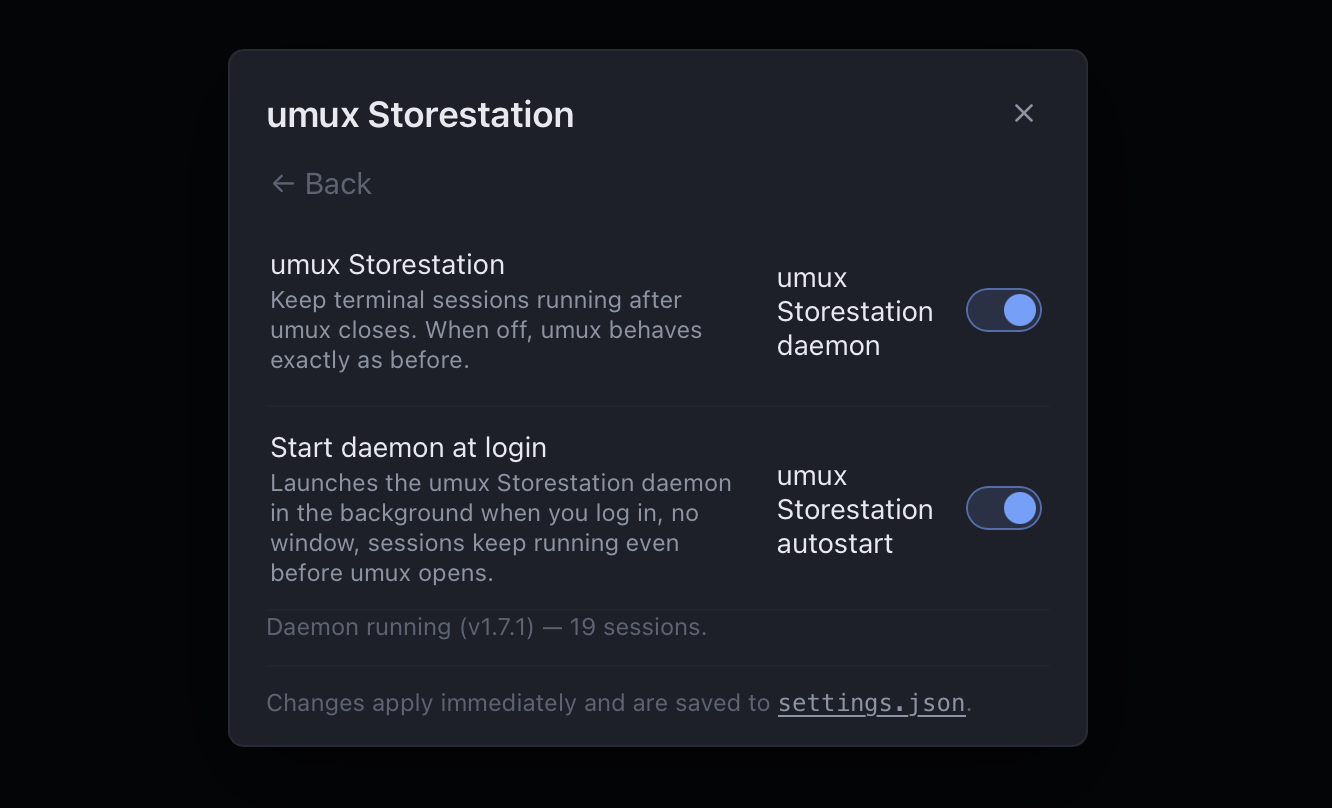
umux Storestation — an optional daemon, off by default — owns your sessions: close every window and the shells keep running, so an agent halfway through a task keeps going. umux attach opens a view back into the live sessions, minutes or hours later.
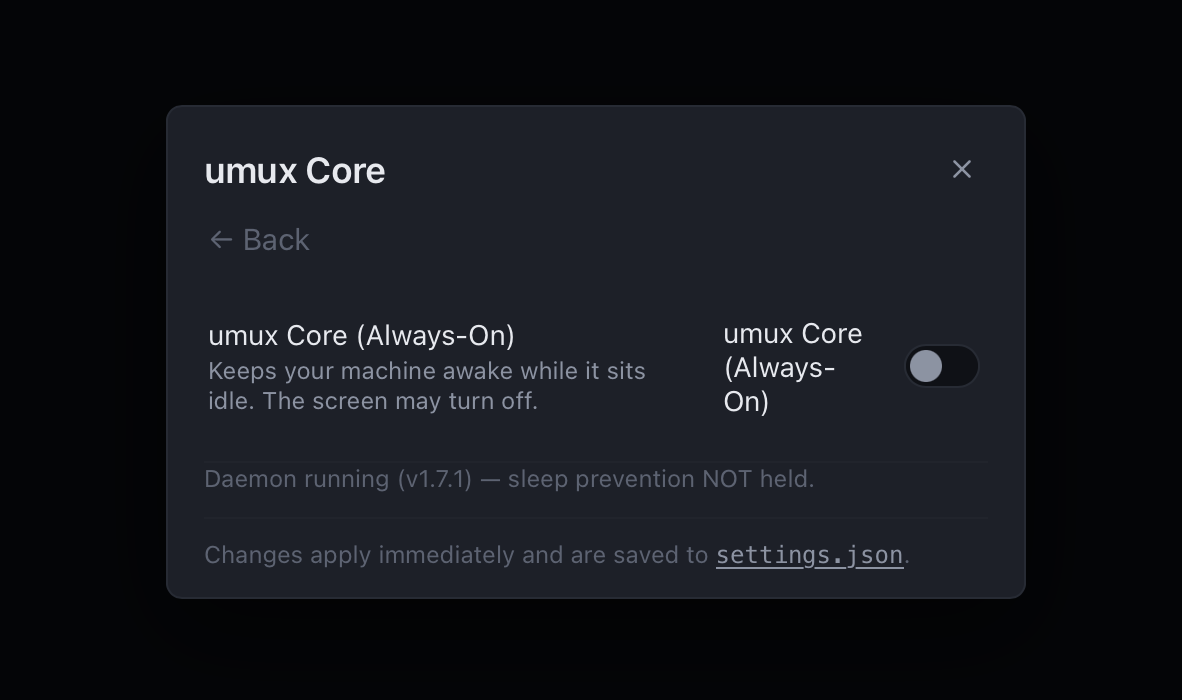
One switch and the machine itself stays awake for as long as Core holds it — even with the lid closed and every window shut. The screen may still sleep, and where the OS limits the promise (battery, the lid) umux says so in plain words instead of pretending. Off by default.
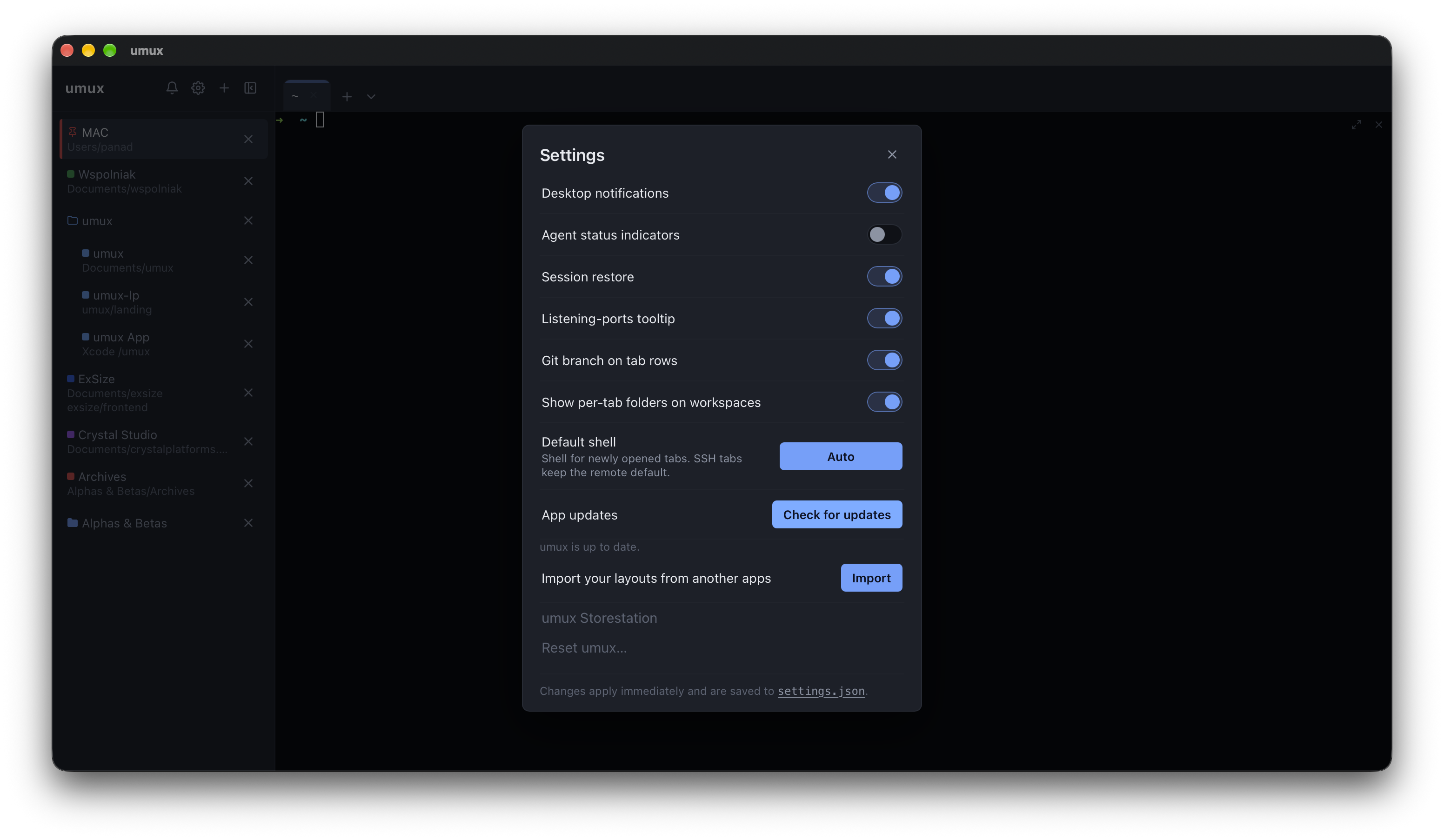
umux checks GitHub Releases quietly on startup and updates itself with one click — download, apply, relaunch. Update bundles are signature-verified, so a tampered or unsigned bundle is rejected outright.
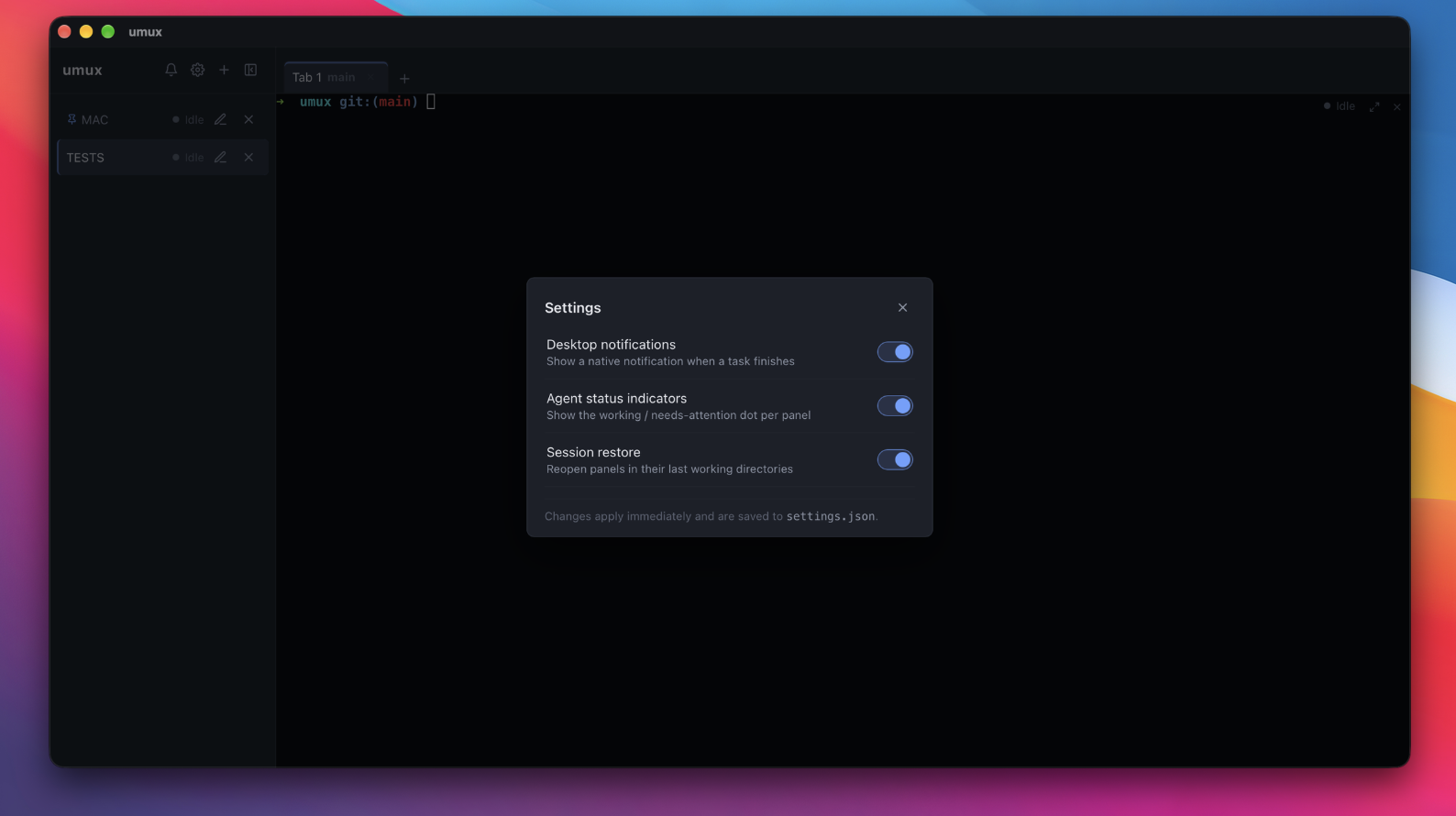
Close the app, come back tomorrow: your workspaces, tabs and panel layouts are restored exactly as you left them.
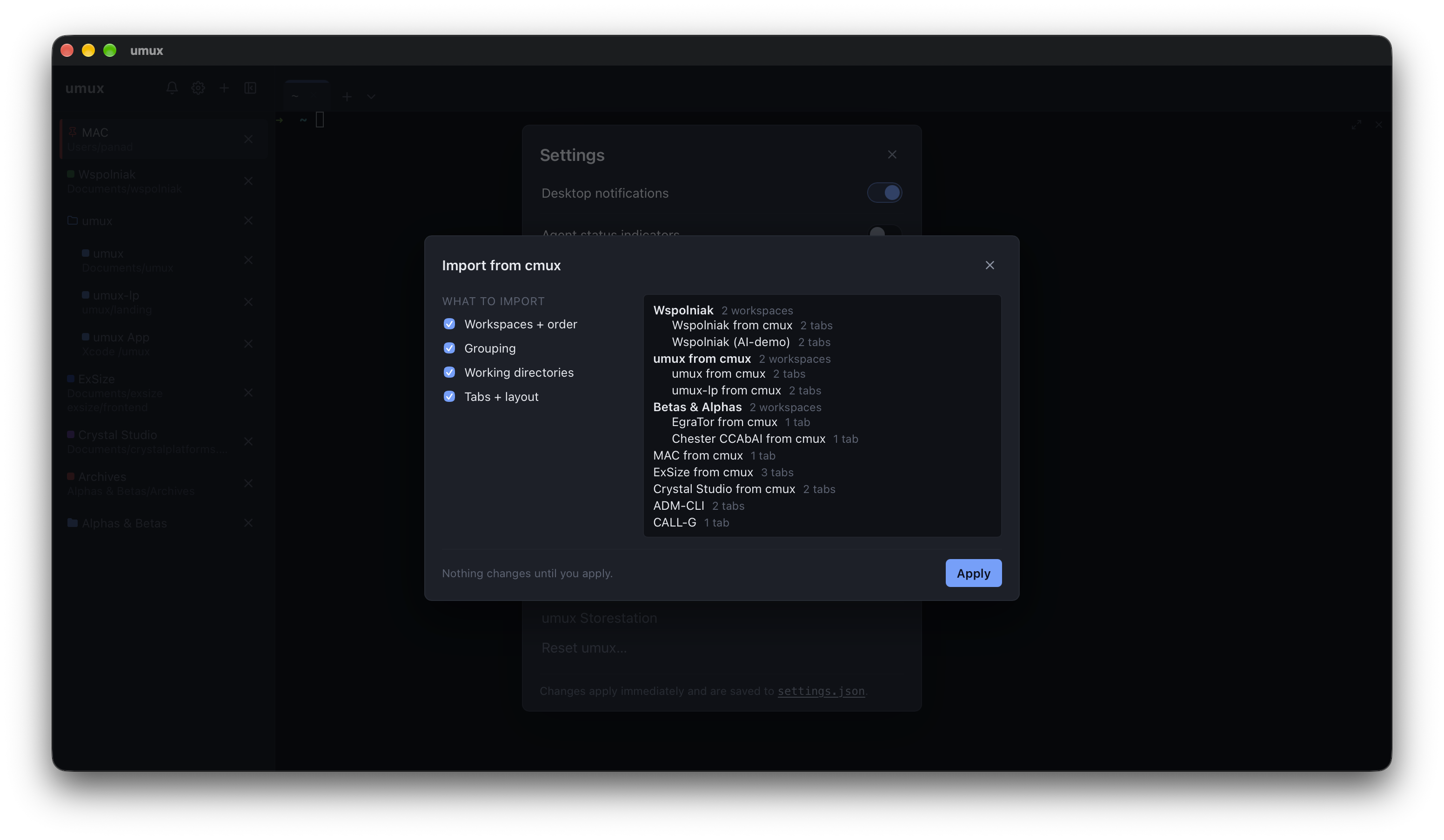
Moving over from cmux? One command — umux import cmux — or the in-app wizard carries your workspaces, groups, working directories and tabs across. Nothing is overwritten: colliding names get a from cmux suffix, and cmux's own files stay read-only.
Open a panel on a remote machine over SSH using your local agent and keys — remote panels look and behave exactly like local ones. Linux and macOS today; Windows is on the roadmap.
On the roadmap: the same one-step import for herdr — workspaces, layout and agent sessions carried over, so switching costs you nothing.
Prefer the terminal? This drops the umux command-line tool into ~/.local/bin — it reads and writes the same store as the desktop app.
curl -fsSL https://raw.githubusercontent.com/CrystalPlatforms/umux/main/install.sh | shLook before you leap: append -- --dry-run to preview what it would do. The CLI manages umux's saved store — it can't control a running app live yet; that's on the roadmap for a future version. macOS and Linux (x86_64). The desktop installers already carry the CLI too — details in the README.
umux is free & open source and ships without a paid code-signing certificate, so your system may ask for confirmation once:
chmod +x once; .deb/.rpm install normally.Where umux is, and where it goes next. Everything shipped lives in GitHub Releases.
umux CLI, workspace groups.
umux attach, autostart; ships in every installer.
Free & open source — no accounts, no cookies, no nonsense.